Choose your view
Select Food, Barcode or Food label. For packaged food, keep the barcode or nutrition information clear and well lit.
SCAN. CHECK. UNDERSTAND.
A barcode. A label. A meal in front of you. Start with a scan, review the result, and save the food you actually eat.
Download on theApp StoreMade for your everyday routine.
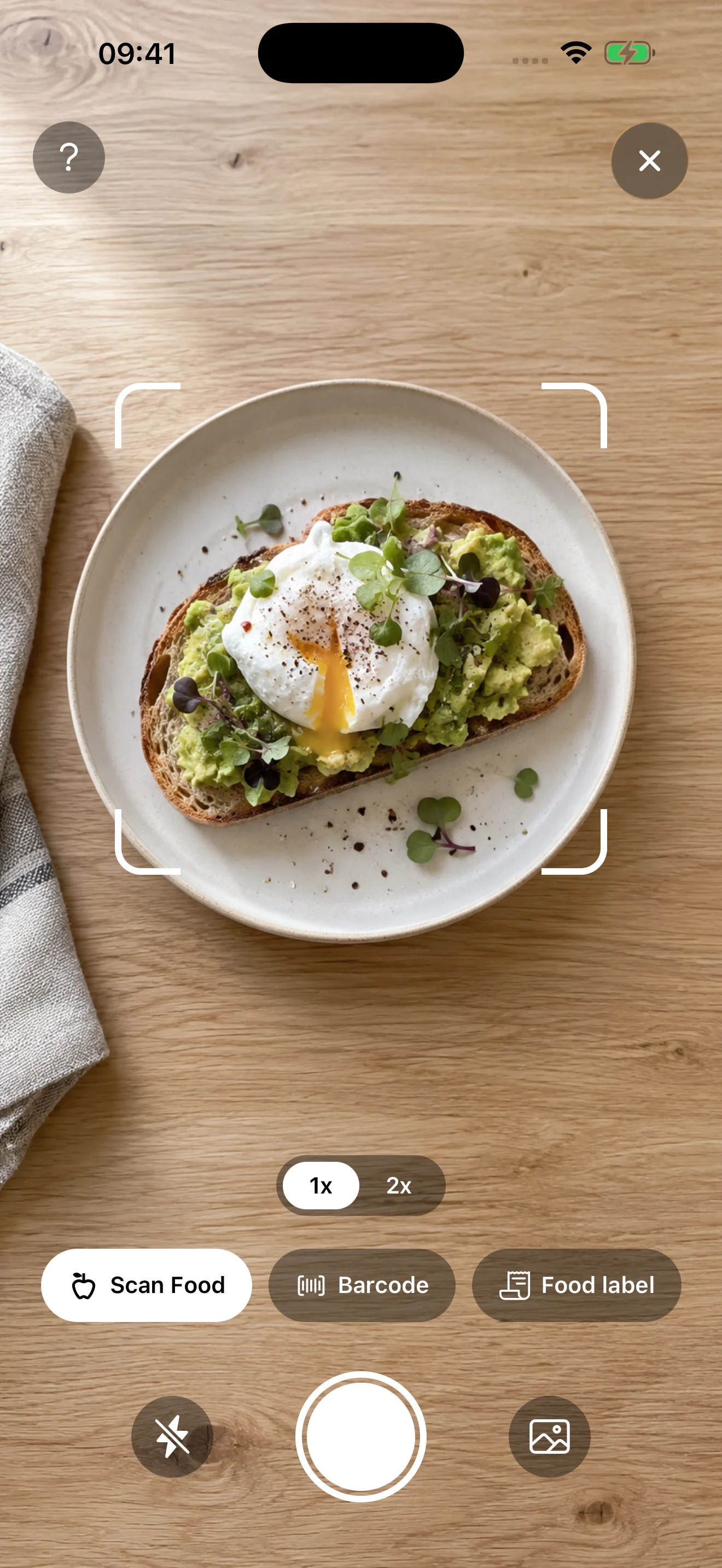
A SIMPLE PLACE TO START
Select Food, Barcode or Food label. For packaged food, keep the barcode or nutrition information clear and well lit.
Compare the food, serving size and sugar estimate with the package. A photo cannot reveal an exact recipe or all the ingredients.
Adjust the portion and sugar figures when needed, then save the entry to your food diary. Review it alongside the rest of your day.
KNOW WHAT YOU’RE LOOKING AT
Learn what the different sugar terms mean, why a “natural” sweetener still counts, and what to check on a package.
Read the sugar comparisonSAVE IT FOR YOUR NEXT SHOP
Serving size first. Sugar figures next. Use our annotated examples and printable checklist to make your next comparison easier.
Explore the label guideGet the checklist (PDF)GOOD TO KNOW
The app offers food-photo, barcode and nutrition-label scanning. Choose the mode that fits the information available.
No. A photo does not establish the recipe or exact added sugar. Always review estimates, especially for mixed meals.
KEEP EXPLORING
ONE SMALL STEP
Bring Sweet Off along for the everyday moments.
Download on theApp Store